

Download Doc Writer Word Processor – Free, Fast, and Secure Alternative to Microsoft Word
Overview
Doc Writer Word Processor positions itself as a lightweight, freemium alternative to the industry‑standard Microsoft Word. Targeted at users who need a quick way to view, edit, and manage common document formats without the overhead of a full‑featured office suite, Doc Writer focuses on speed, simplicity, and a clean user interface. The free version supports the most widely used file types—.doc, .docx, .txt, .rtf, and .odt—allowing you to open and make basic edits while benefitting from an automatic autosave feature that protects against accidental data loss.
When you’re ready to expand capabilities, the premium upgrade unlocks full saving and exporting options, as well as richer content handling such as images and tables. While the free tier is best suited as a reliable document viewer and quick‑edit tool, the paid version provides enough functionality to serve casual writers, students, and small‑business professionals who don’t require the extensive toolset of Microsoft Word. In short, Doc Writer offers a secure, fast, and user‑friendly environment for everyday word‑processing tasks, making it a compelling choice for anyone looking to download a free, low‑maintenance word processor.
Key Features, Installation & Compatibility
Feature Highlights (Free & Premium)
- Supports opening .doc, .docx, .txt, .rtf, and .odt files
- Autosave functionality ensures no work is lost
- Built‑in spell checker with language support
- Find and replace tool for efficient editing
- Live word count displayed in the status bar
- Font selection and basic text formatting (bold, italic, underline)
- Premium: Ability to save and export edited documents
- Premium: Insert and manipulate images within the document
- Premium: Create and edit tables for structured data
Simple Installation Process
Downloading and installing Doc Writer is straightforward, regardless of whether you’re on a Windows PC, macOS, Android, or iOS device. Follow these steps for a hassle‑free setup:
- Visit the official Doc Writer website or trusted app store (Google Play Store for Android, Apple App Store for iOS).
- Click the “Download” button that matches your operating system.
- For Windows/macOS, run the installer file and follow the on‑screen prompts—accept the license agreement, choose an installation folder, and click “Install”.
- On mobile platforms, tap “Install” and allow the necessary permissions (storage access, optional camera for image insertion).
- Launch the application and, if desired, create a free account to enable cloud syncing and future premium upgrades.
Operating System Compatibility
Doc Writer is designed to work seamlessly across the major operating systems:
- Windows 10 and later (64‑bit)
- macOS 10.13 High Sierra and later
- Android 8.0 Oreo and later
- iOS 13 and later (iPadOS included)
How to Use the Core Tools
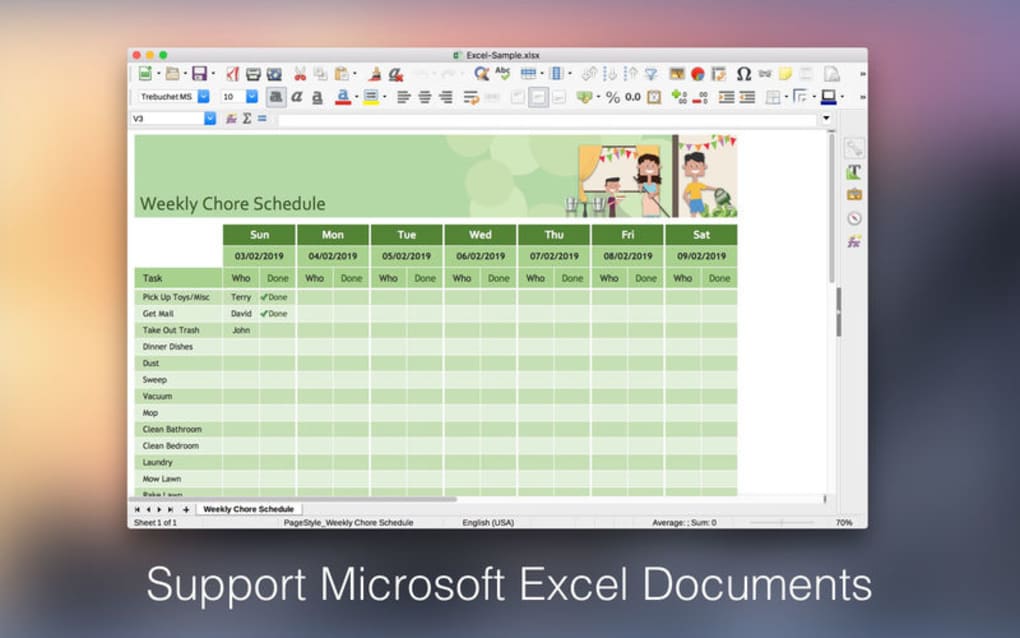
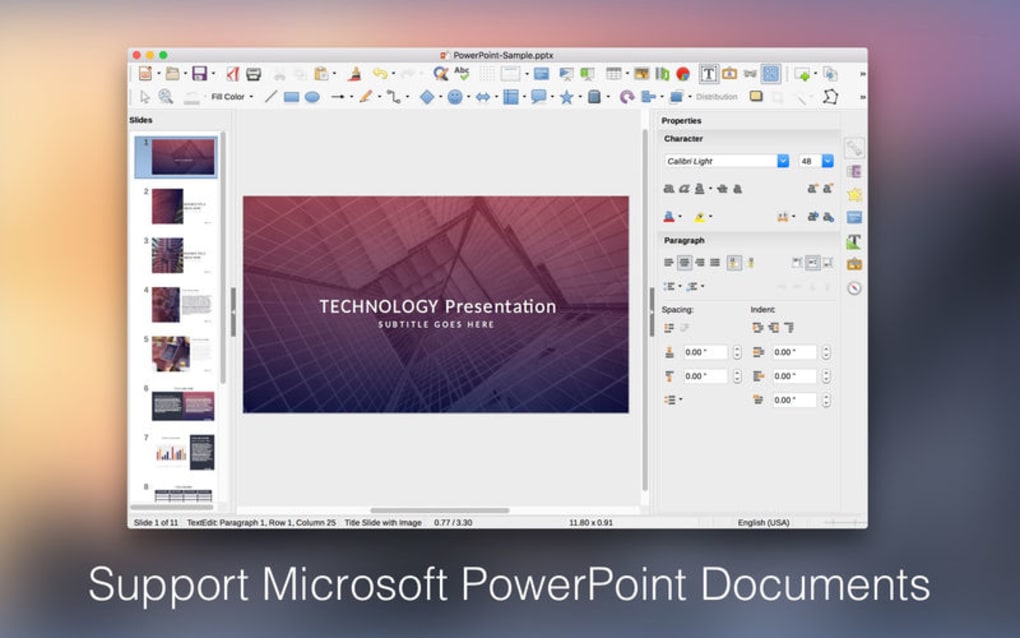
After launching Doc Writer, the interface presents a familiar toolbar at the top, a document pane in the center, and a status bar at the bottom. To start editing, simply open a supported file via the “File → Open” menu or drag‑and‑drop the document onto the app window. The spell checker runs automatically, underlining potential errors in red; right‑click any highlighted word to view suggestions.
The find‑and‑replace dialog is accessed with Ctrl + F (Windows) or ⌘ + F (macOS), allowing you to locate text instantly. For premium users, the “Save As” option becomes active, letting you choose the desired format—whether you want to keep the original .docx or export to .pdf. Image insertion is as simple as clicking the picture icon, selecting a file, and resizing it directly on the canvas.
Tables can be added via the table icon, where you specify rows and columns before populating cells with text. Overall, the workflow is designed to feel intuitive for both novice and experienced writers.
Pros, Cons & Frequently Asked Questions
Pros
- Fast startup and low system resource usage
- Free version provides essential editing tools without ads
- Supports the most common document formats, ensuring compatibility
- Autosave feature protects against unexpected crashes
- Clean, distraction‑free interface ideal for focused writing
Cons
- Saving and exporting require a paid upgrade
- Lacks advanced formatting options such as styles, track changes, and macros
- Premium image and table features are limited compared to full office suites
- No built‑in cloud storage; relies on third‑party services for syncing
- Collaboration tools (real‑time co‑authoring) are absent
Frequently Asked Questions
Can I open a .docx file created in Microsoft Word?
Yes. Doc Writer fully supports opening and viewing .docx files. You can make basic edits, but to save changes you’ll need the premium version.
Is the free version truly free, or are there hidden costs?
The free version contains no hidden fees or ads. All core editing tools are available at no charge. The only cost is the optional premium upgrade that unlocks saving, exporting, images, and tables.
How secure is my data when I use Doc Writer?
Doc Writer stores files locally on your device, so no data is uploaded to external servers unless you choose to sync with a third‑party cloud service. The autosave function writes a temporary backup to your system, which is encrypted on Windows and macOS.
Can I use Doc Writer on a tablet?
Absolutely. The app is optimized for both Android tablets and iPads, offering touch‑friendly controls and a responsive layout that scales to larger screens.
What happens to my documents if I uninstall the app?
Uninstalling Doc Writer does not delete the original files stored on your computer or device. All documents remain in their original locations, and you can reinstall the app later to continue editing.
Doc Writer Word Processor ReviewDoc Writer delivers a solid, no‑frills word‑processing experience that shines for quick edits and document viewing. While power users may miss advanced layout tools, the speed, ease of use, and free price point make it a valuable addition to any productivity toolkit.
Conclusion & Call to Action
Whether you’re a student needing a reliable viewer for lecture notes, a freelance writer looking for a fast, distraction‑free environment, or a small‑business professional who wants a cost‑effective alternative to Microsoft Word, Doc Writer Word Processor meets those needs with confidence. The free version offers essential editing capabilities without the bloat of larger suites, while the premium upgrade adds the missing export and media features without breaking the bank. By downloading Doc Writer today, you gain a secure, lightweight, and cross‑platform tool that keeps your documents accessible wherever you work. Ready to experience a faster, simpler way to handle Word files? Click the download button below, install the app, and start creating or editing documents instantly.







